


- Internet
Eltrona, the fastest connection in Luxembourg! 🚀
Eltrona is proud to have been evaluated as part of the Luxembourg Fixed Connection Barometer 2025, published on 7 April ...
Internet
min read / 9 September 2025
Is your Wi-Fi slow and everyone in the house complaining because Netflix is loading slowly, video calls are freezing and online games are lagging? Before picking up the phone to call technical support, there are a few simple checks you can do that will often help optimise your home Wi-Fi. From the placement of your router to the number of connected devices and the use of a Wi-Fi mesh system, small changes can make a big difference. Here are five steps to follow to restore a smooth, high-performance network.

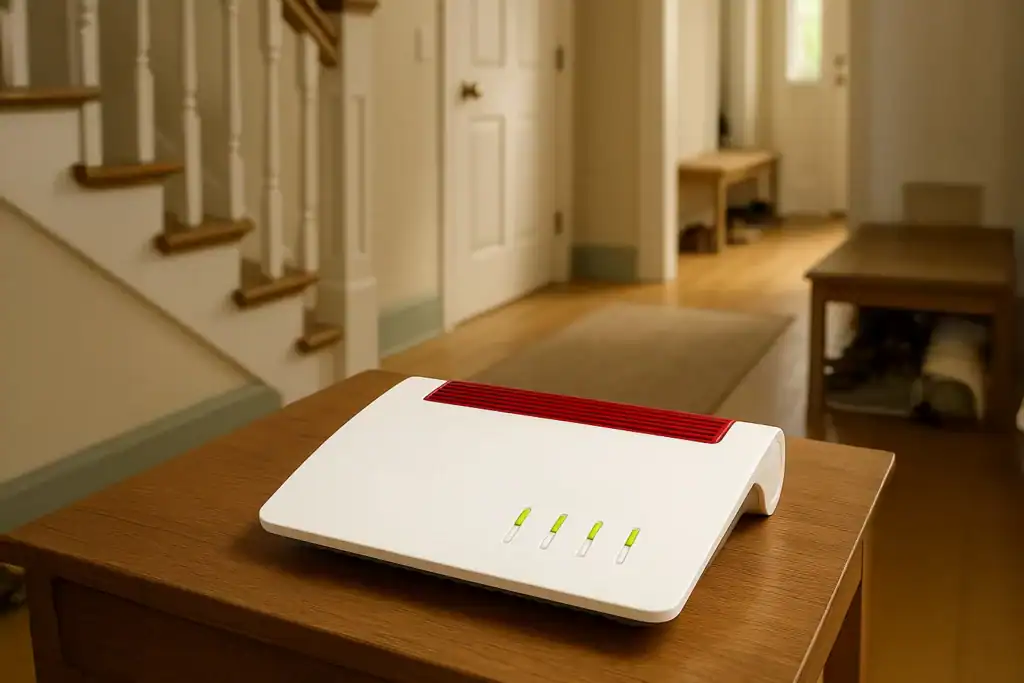
A router tucked away behind a shelf or in a dark corner will not work miracles. Thick walls, metal and even mirrors can block the waves.
👉 On average, a poor location can reduce performance by 30 per cent (source: IEEE Communications Survey, 2023).
A typical family in Luxembourg uses between 10 and 15 connected devices (smartphones, TVs, computers, consoles, connected objects). Each device uses bandwidth.
An Internet subscription tailored to your needs can also make a difference. At Eltrona, various packages allow you to adjust the speed and stability according to your usage.
If your house or flat is larger than 100 m², a single router may not be sufficient. Wi-Fi Mesh allows you to create a seamless network using several interconnected access points.
According to an IDC study (2024), 42% of European households equipped with Wi-Fi Mesh see an immediate improvement in performance.
Slow Wi-Fi is not always caused by the internal network: the source may be the connection itself. With coaxial fibre, Eltrona offers stable and consistent speeds, ideal for households with multiple devices.
An outdated router may limit performance. The current Wi-Fi 6 standard handles congestion better and offers higher speeds.
Before calling support, there are a few simple steps you can take to improve your connection. By optimising the placement of your router, managing the number of devices, investing in a Wi-Fi mesh system or choosing coaxial fibre, you can enjoy greater comfort and stability.
👉 Discover our fibre optic offers designed for households with multiple devices and enjoy smooth internet at home.
Eltrona is proud to have been evaluated as part of the Luxembourg Fixed Connection Barometer 2025, published on 7 April ...
Does your wireless connection seem slow in certain rooms? Before blaming your equipment, consider that the problem often lies in ...

In Luxembourg, fibre optic cable is the gold standard for reliable, stable high-speed internet. Long neglected by operators, the gaming ...