

Internet
How Eltrona protects your home cybersecurity and fiber connection in Luxembourg
In the age of remote work, children online, connected devices in every room, and an...

Internet
min reading / 1 October 2025
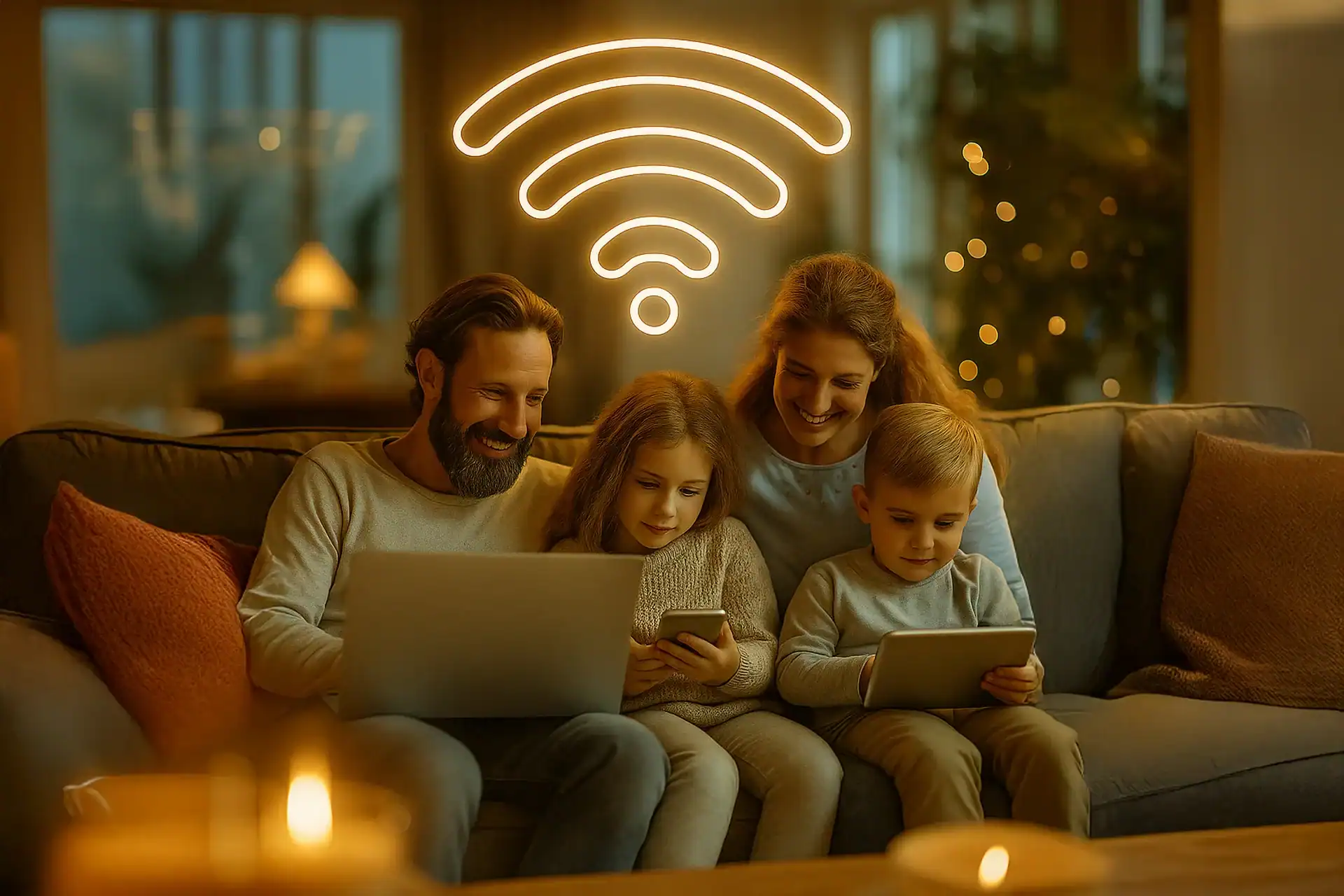
In a connected household, every family member uses a smartphone, tablet, or console. The result: wi-fi can quickly get overloaded… especially when it comes to managing kids’ screen time. How can you ensure a fast connection for everyone while setting appropriate rules for children? With modern mesh wi-fi solutions and a reliable fiber subscription
, it’s now possible to optimize your home wi-fi and control usage per device. Let’s explore best practices to combine digital comfort with peace of mind for parents.

According to a UNESCO report (2023), 65% of parents are concerned about their children’s digital consumption. Per-device control offers a practical solution.
A typical household in Luxembourg has around 12 connected devices (smartphones, laptops, consoles, TVs). Without optimization, bandwidth is divided and speeds drop.
An Eltrona fiber subscription ensures stable bandwidth, even with multiple users online at once.
Unlike traditional repeaters, mesh wi-fi eliminates dead zones and adapts the signal to each device — perfect for multi-story homes.
Most modern routers come with a mobile app. Common features include:
Assigning each child’s device to a profile makes it easy to track and adjust internet use without affecting the rest of the household.
An IDC study (2024) shows that 48% of households equipped with mesh wi-fi reported fewer family conflicts related to internet usage.
These simple steps complement per-device controls and help children become more responsible.
Optimizing your home wi-fi isn’t just about speed — it’s about protecting your children and ensuring a smooth connection for the whole family. With a reliable fiber subscription and mesh wi-fi solutions, you get the perfect mix of safety, comfort, and peace of mind.
👉 Discover the Eltrona internet packs now and equip your household for a connected home without compromise.
A repeater amplifies the signal but may cause interruptions. Mesh wi-fi provides a seamless, intelligent network throughout the house.
Yes. With parental control apps, you can block access for a specific device without shutting down wi-fi for everyone else.
Absolutely. It makes full use of fiber bandwidth to distribute the signal evenly.
Google Family Link or Apple Screen Time offer basic restrictions. For more advanced features, use your router’s built-in management tools.
Internet
In the age of remote work, children online, connected devices in every room, and an...
Internet
Have you just moved to Luxembourg or are you preparing to? Congratulations! But before enjoying...

Internet
Eltrona is proud to have been evaluated in the Fixed Connection Barometer for Luxembourg 2025,...

Let's talk by phone
Fill in the form below with your request

Let's communicate
by email
Fill in the form below and one of our advisers will get back to you as soon as possible.