
TV+
How do I organise and manage my television recordings?
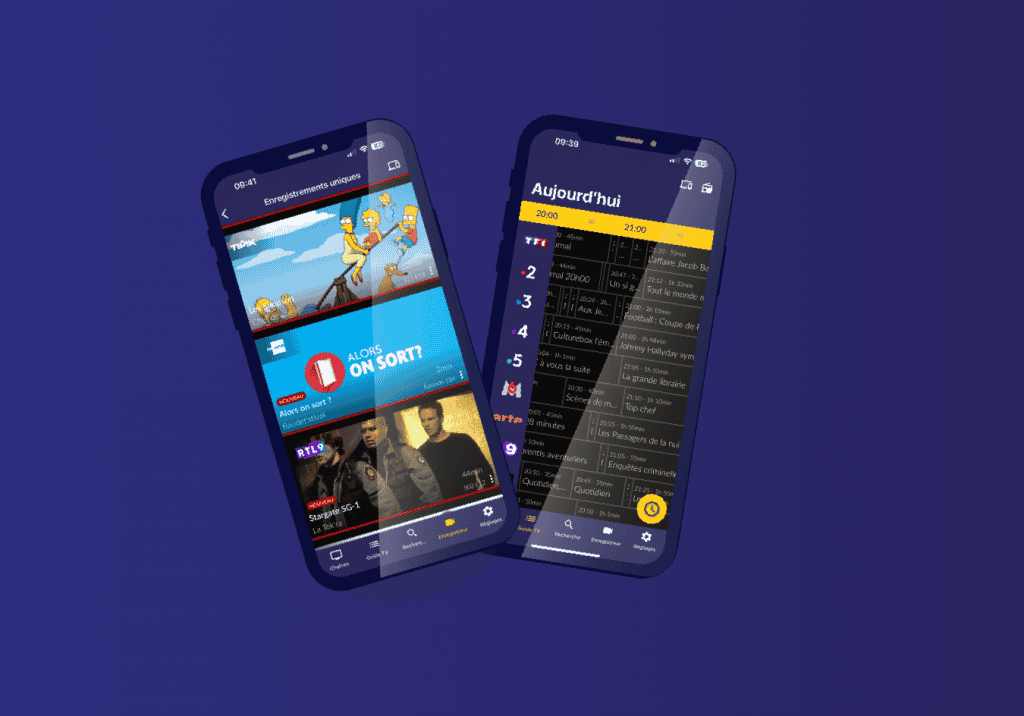
In today’s digital age, where multimedia content abounds and entertainment options are vast, it is essential to master the art of managing your recordings to maximise your viewing experience. So, you’re probably wondering how to organise and manage your favourite television recordings with Eltrona TV+? Let us explain the tips you need to keep your recordings under control and enjoy your content.
First, easily access all your recordings via the “My Content” tab in your Eltrona TV+ menu. These are organised as follows:
- Your one-off recordings refer to programmes that are only broadcast once. These could be films, documentaries, sporting events, etc.
- Your continuous recordings represent several recordings of the same content: episodes of a series, a television programme that airs every week, etc. Please note that since these recordings are made over time, some may not yet be available if the programme has not yet been broadcast!
- Find all your upcoming recordings in your scheduled recordings!
To record new content, simply access the TV guide. You can then simply select the programme you wish to record.
GiGA tips
Remember to delete any recordings you no longer need. This will free up space for new content.
If you still have questions about organising and managing your television recordings, please do not hesitate to contact our customer service team.