


- Internet
- Mobile
- Television
Internet, TV and phone bundle in luxembourg: 3 reasons to combine
Are you still paying multiple bills for your digital services? With an internet, TV and telephone package in Luxembourg, you ...
Internet
min read / 2 September 2025
Does your wireless connection seem slow in certain rooms? Before blaming your equipment, consider that the problem often lies in the location of your router. When positioned correctly, it can transform your digital experience, especially if your household has several smartphones, computers, connected TVs, and consoles. In this article, we explain how to optimise your home Wi-Fi, when to consider a Wi-Fi mesh system, and why a fibre subscription makes all the difference for all your uses.
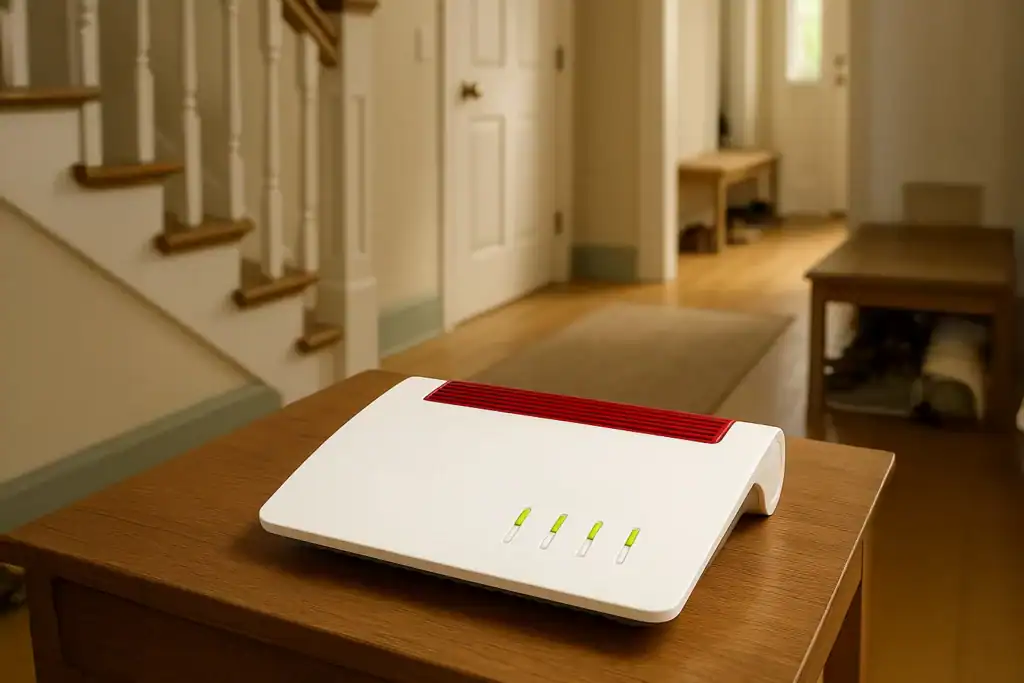
The quality of your Wi-Fi connection depends as much on the power of your router as on its location. According to a study by the University of Darmstadt (2023), load-bearing walls and household appliances can reduce the signal by up to 40%. Good positioning is therefore crucial to get the most out of your connection.
Wi-Fi mesh is particularly useful in:
With a mesh kit, several terminals communicate with each other and eliminate dead zones. Eltrona offers solutions compatible with its Internet subscriptions to guarantee optimal coverage.
A good location does not compensate for insufficient bandwidth. With Eltrona’s coaxial fibre:
Discover our combined TV + Internet packages designed for multi-screen households.
Non, ces espaces fermés réduisent considérablement la portée du signal.
Non, les bornes sont généralement plug & play et se configurent via une application.
Oui, pour les appareils fixes comme une console ou une TV, l’Ethernet reste plus stable.
Vérifiez la mise à jour du routeur, changez de canal ou envisagez un abonnement fibre.
Placing your router in the right location optimises your home Wi-Fi at no extra cost. For connected households, combining good positioning, a Wi-Fi mesh system and an Eltrona fibre subscription guarantees a fast, stable connection that is suitable for all uses.
👉 Need personalised advice? Contact Eltrona to choose the Internet solution best suited to your home.
Are you still paying multiple bills for your digital services? With an internet, TV and telephone package in Luxembourg, you ...
Have you just moved to Luxembourg or are you planning to move? Congratulations! But before you enjoy your new home, ...

Have you subscribed to Luxembourg fibre, but your Wi-Fi still struggles to reach the upstairs bedrooms? You're not alone. In ...